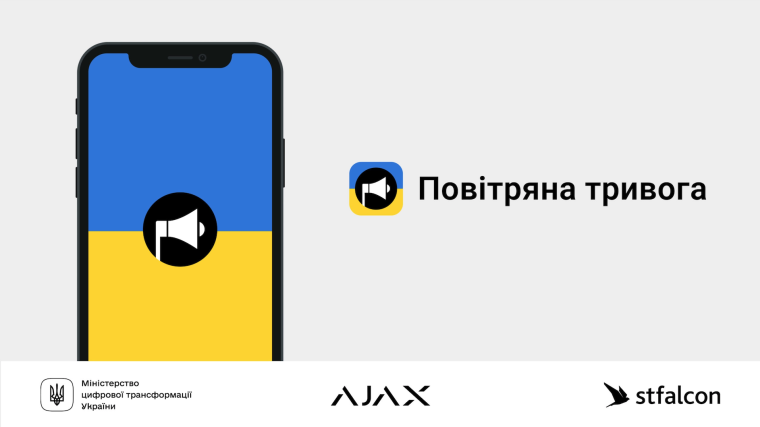
Ajax: "Air Alert" App is Now Available for Android and iOS
By the initiative of stfalcon.com, supported by the Ministry of Digital Transformation of Ukraine, Ajax Systems has launched the Air Alert app, already available in Google Play Market and AppStore.
The app instantly informs about the beginning and end of a civil defence alert in the region. No registration is needed: the user is only required to select the region. Air Alert does not collect users’ or geolocation data.
The app generates a loud alert warning of an airstrike, chemical attack, technological catastrophe or other types of civil defence alerts. Air Alert is the only application supporting critical alerts among similar ones. It means that notifications are delivered even in the smartphone’s silent or sleep mode. The app notifications duplicate civil defence sirens in cities, so please consider their signals when reacting to the app notifications. The Air Alert app is an additional tool, not a primary civil defence alerts source.
Civil defence sirens or other informing measures are not so effective in remote or new city districts, in small towns and villages. Therefore, it is necessary to have a reliable alternative tool with alerts to monitor the situation. The app receives signals first-hand from Ukrainian regional administrations, allowing people to react as quickly as possible.
To receive notifications:
- Install the app via Google Play Market or AppStore.
- Grant permissions to send notifications and critical alerts.
- Select the region in which you want to receive notifications.
- Receive notifications on the beginning and end of civil defence alerts.
Be sure to enable automatic updates on your smartphone to use the latest version of the app.
To update an app manually on iOS:
- Open the App Store.
- Click on the profile tag at the top of the screen.
- Find Air Alert in the list of apps.
- Click Update Application.
To update an app manually on Android:
- Open the Play Store app.
- Click on the profile tag in the upper right corner of the screen.
- Select Manage applications and devices and go to the Manage tab.
- Click the Available Updates button to open a list of applications that need to be updated.
- Select the Air Alert app.
- Click Update.
Already available regions in the app:
- Vinnytsia
- Volyn
- Donetsk
- Transcarpathian
- Kyiv
- Lviv
- Poltava
- Rivne
- Kharkiv
- Kherson
- Khmelnytsky
- Chernivtsi
The list of regions is to be updated.
The app was developed in an emergency during one day, so there may be some minor problems. The development team is working on improving the app.